
01 · Point of sale
A focused checkout that keeps the queue moving.
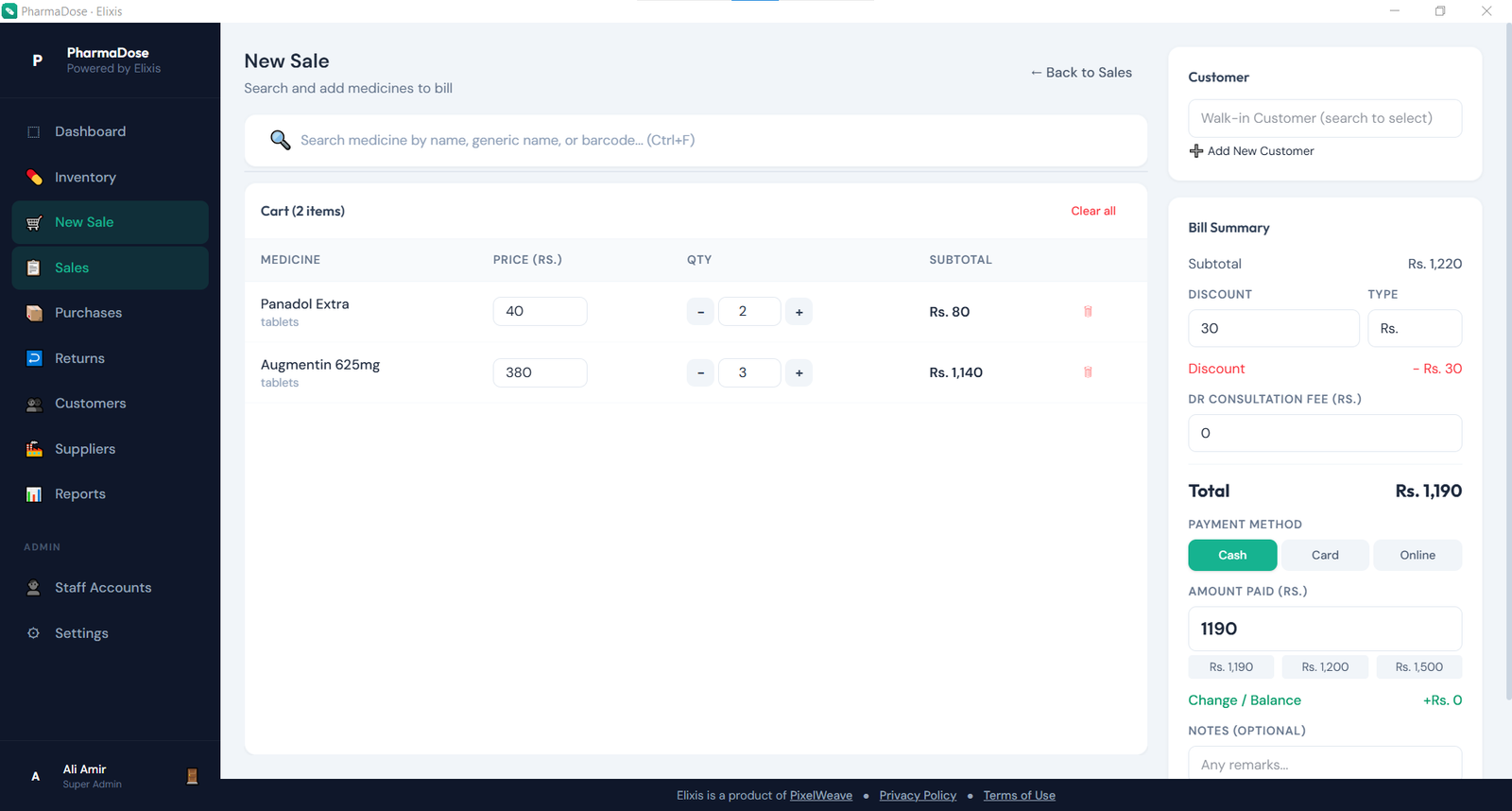
Find medicines, manage quantities and discounts, attach customers, accept payment, and produce thermal-friendly receipts.
Elixis brings checkout, batch-aware inventory, purchases, returns, customers, staff, and reporting into one calm workspace—while your primary business database stays on your own computer.
Latest release: v1.0.1 · Windows installer · Free evaluation edition
One connected workflow
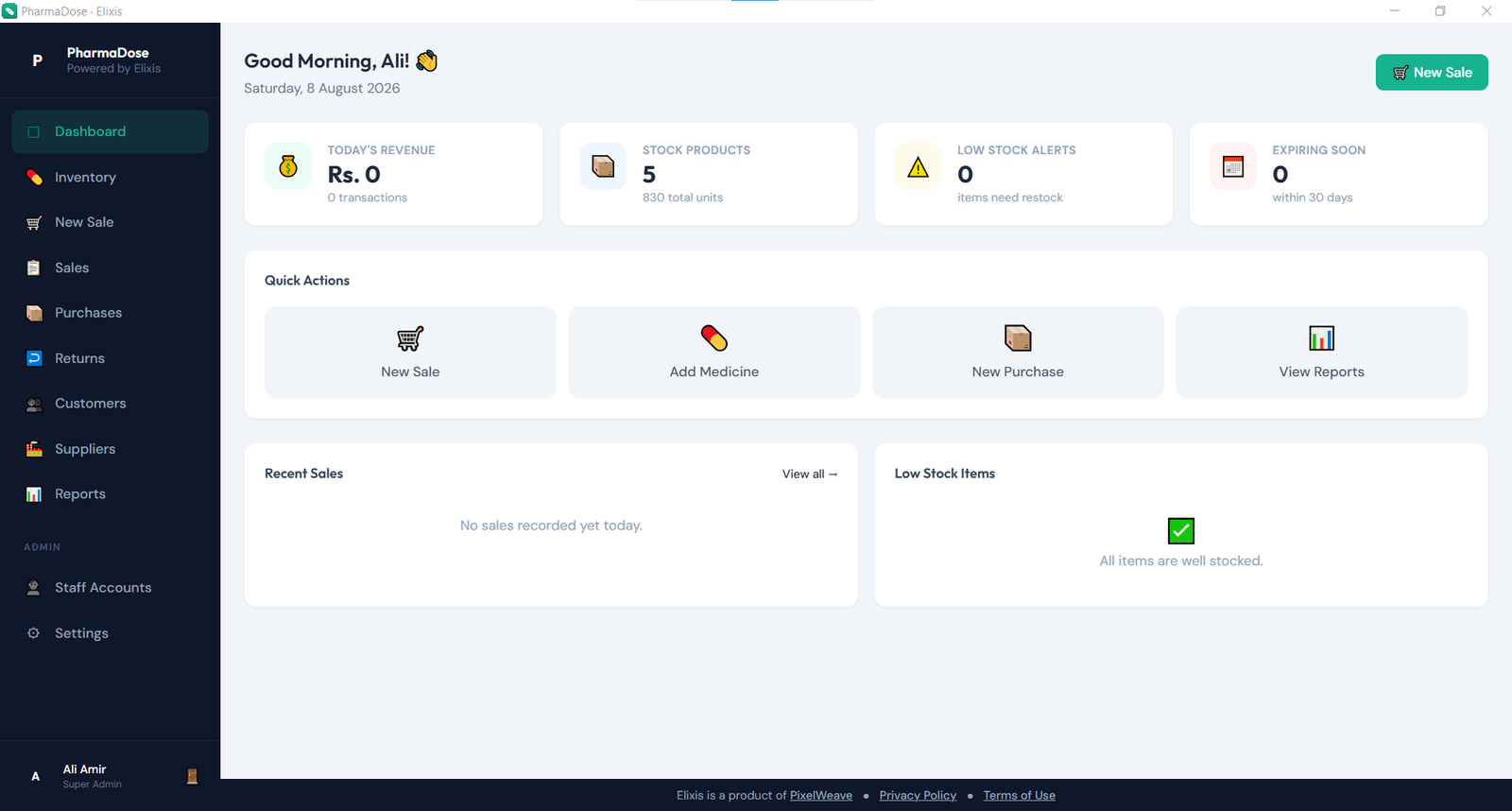
Elixis connects the work your team already does. A purchase creates stock batches. A sale consumes the earliest eligible batch. A return updates the record. Your reports stay connected to the real transaction history.
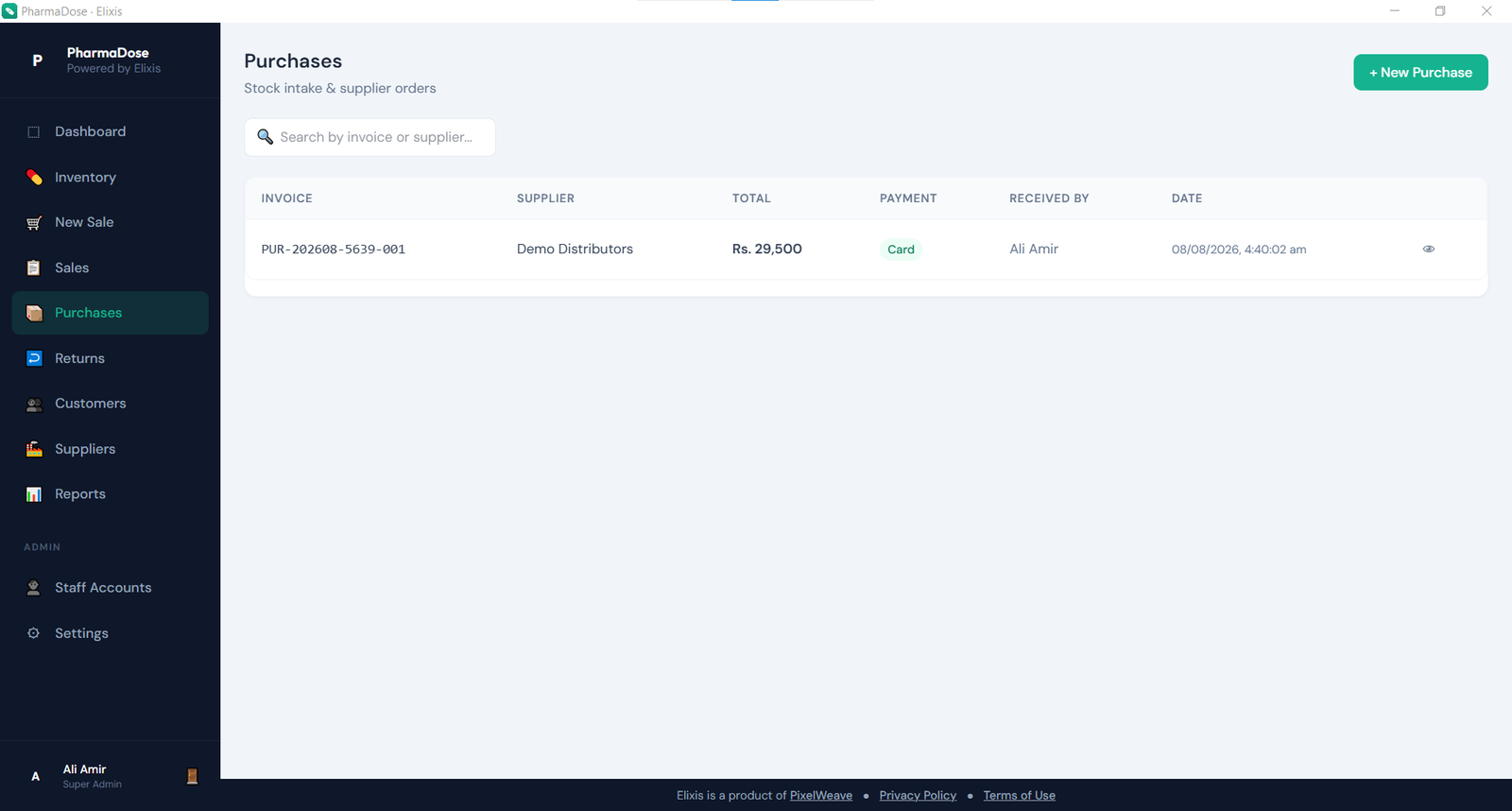
Record supplier purchases with batch numbers, expiry dates, quantities, and costs.
Search quickly, build the cart, assign a customer, and complete a clear counter workflow.
See low stock, expiring batches, revenue, profit, and operational activity from the dashboard and reports.
Core capabilities
Purpose-built modules keep everyday pharmacy work fast, traceable, and easier to teach.
Find medicines, manage quantities and discounts, attach customers, accept payment, and produce thermal-friendly receipts.
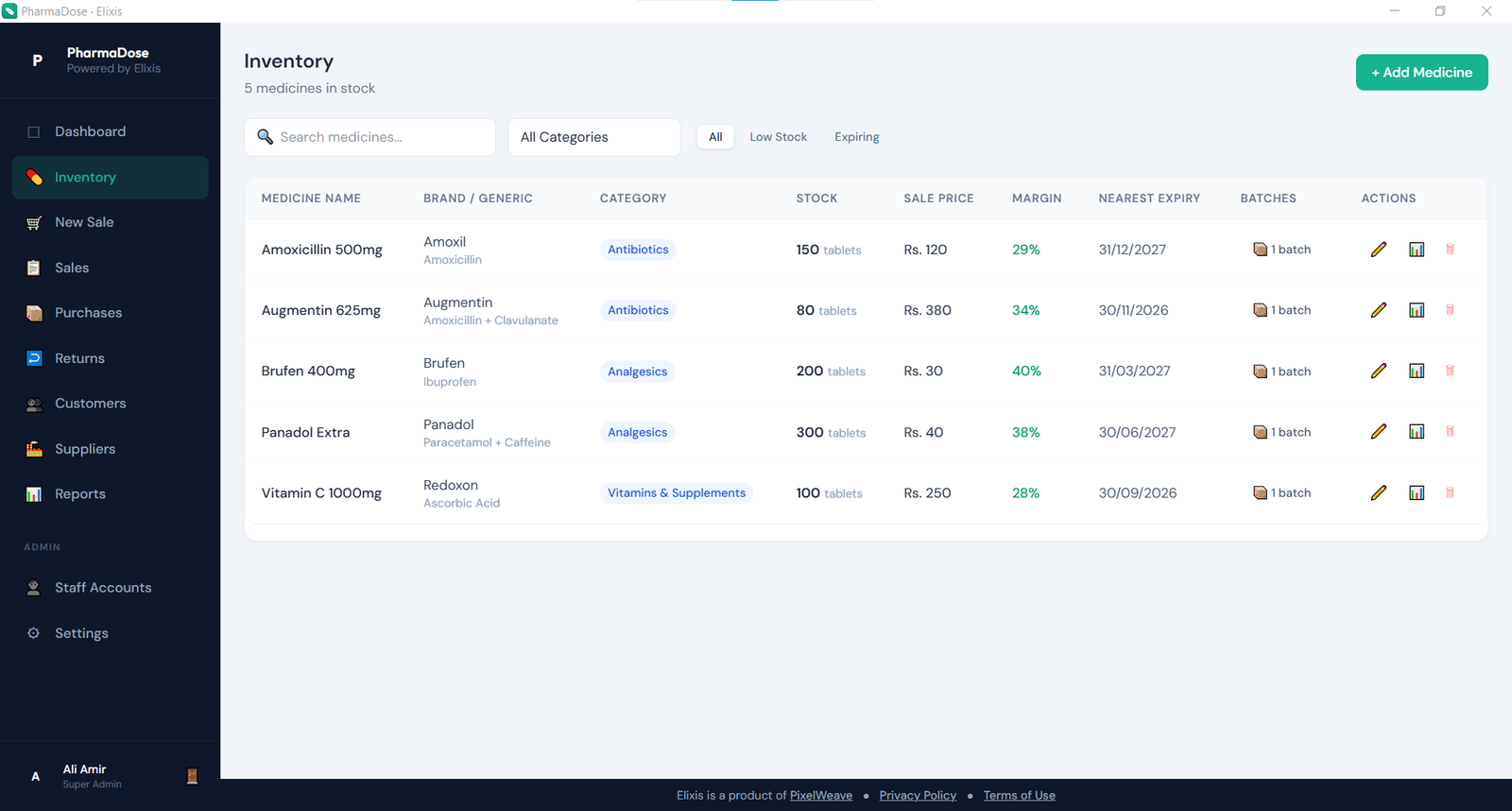
Track individual batches, expiry dates, reorder thresholds, rack locations, and FEFO stock movement.
Process customer refunds and supplier returns, with stock restored or written off as appropriate.
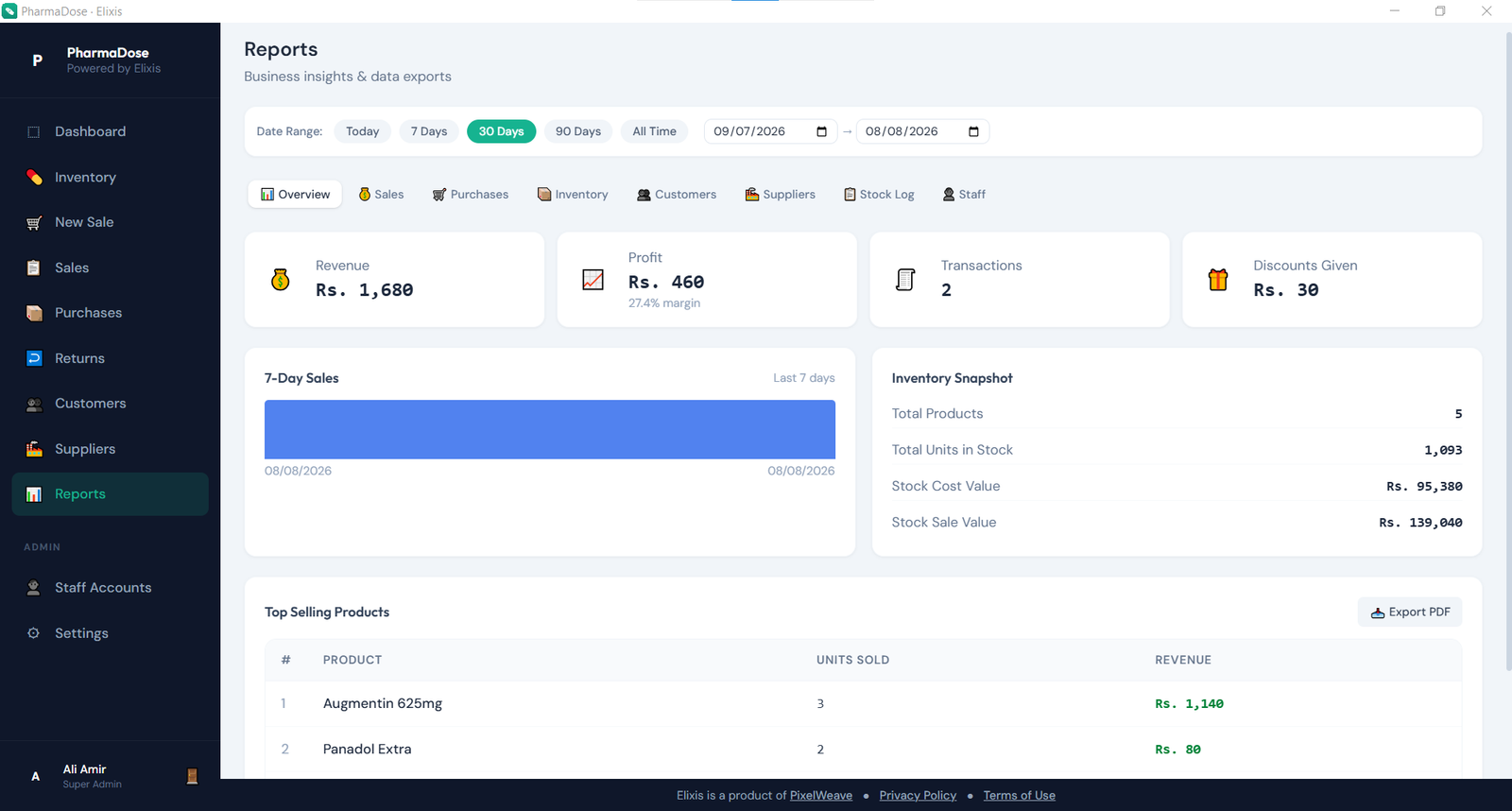
Review revenue, profit, purchases, best sellers, low stock, expiring stock, and printable reports.
The host computer owns the pharmacy database. Local backups are available in the free edition; Premium adds optional backup to your private Google Drive app-data area.
Create staff accounts and control operational permissions without sharing the main administrator login.
Inside Elixis
Start free, upgrade when ready
The free edition is not time-limited. Download it directly and use real workflows to understand how Elixis fits before purchasing a license.
Public pricing is being finalized. PixelWeave currently handles licenses directly through WhatsApp or email.
Product walkthrough
We are preparing a clear end-to-end walkthrough covering setup, checkout, inventory batches, reports, backups, and licensing. Until then, the illustrated user manual documents every major workflow.
Read the complete manualQuestions, setup, or licensing
Get help downloading Elixis, understanding the product, activating a license, or resolving an issue.
Download Elixis
Download the latest public release from the official PixelWeave GitHub repository. Your data stays on your computer unless you deliberately enable an optional integration.